How to Contribute

Paul
@orangegreencat
Hey guys! Paul here, I am the owner of this website and today i want to show you guys how to contribute to it! its actually very easy to add changes to this site!
So, how does contributing work? well.. luckily its not that complicated! Behind the scenes this website uses a tool called "nuxt studio". That's beyond the scope of this guide, but essentially, it allows you to edit any of the files on the site, specifically the files under:
- Portafab
- Weapons
- Mechanics
- Guides
- Blog (Technically)
- Media
The reason "Blog" is a technical, is because if you make any edits to it I will deny it. We will get into that later
EVERYONE HAS PERMISSIONS TO EDIT THIS SITE!
What that means is anyone, yes anyone, can update this site, demo below:
As you can see, on the left site their is a panel, that is nuxt studio! it allows you to edit the content of ANY page, create new files and media.
Nuxt studio supports and uses the git markdown format, when you use studio you can type / to open a prompt to see all the available markdown formatting.
At the top of file is a nifty little "Page Settings". this allows you to control things like the page title and description, these values are what you see when you go to Portafab, Mechanics.. etc
Its what renders The authors and their profile pictures, the photo on the card etc..
Okay okay so HOW can you contribute and get access to this? simple.
First authenticate with github here
You do not need to know how github works, just create an account, when you make edits to the site they will be pushed using your github account automatically.
To open studio you press CTRL + . (or CMD if you are on mac, sometimes Win on windows!)
If this is your first time opening studio, you will see:
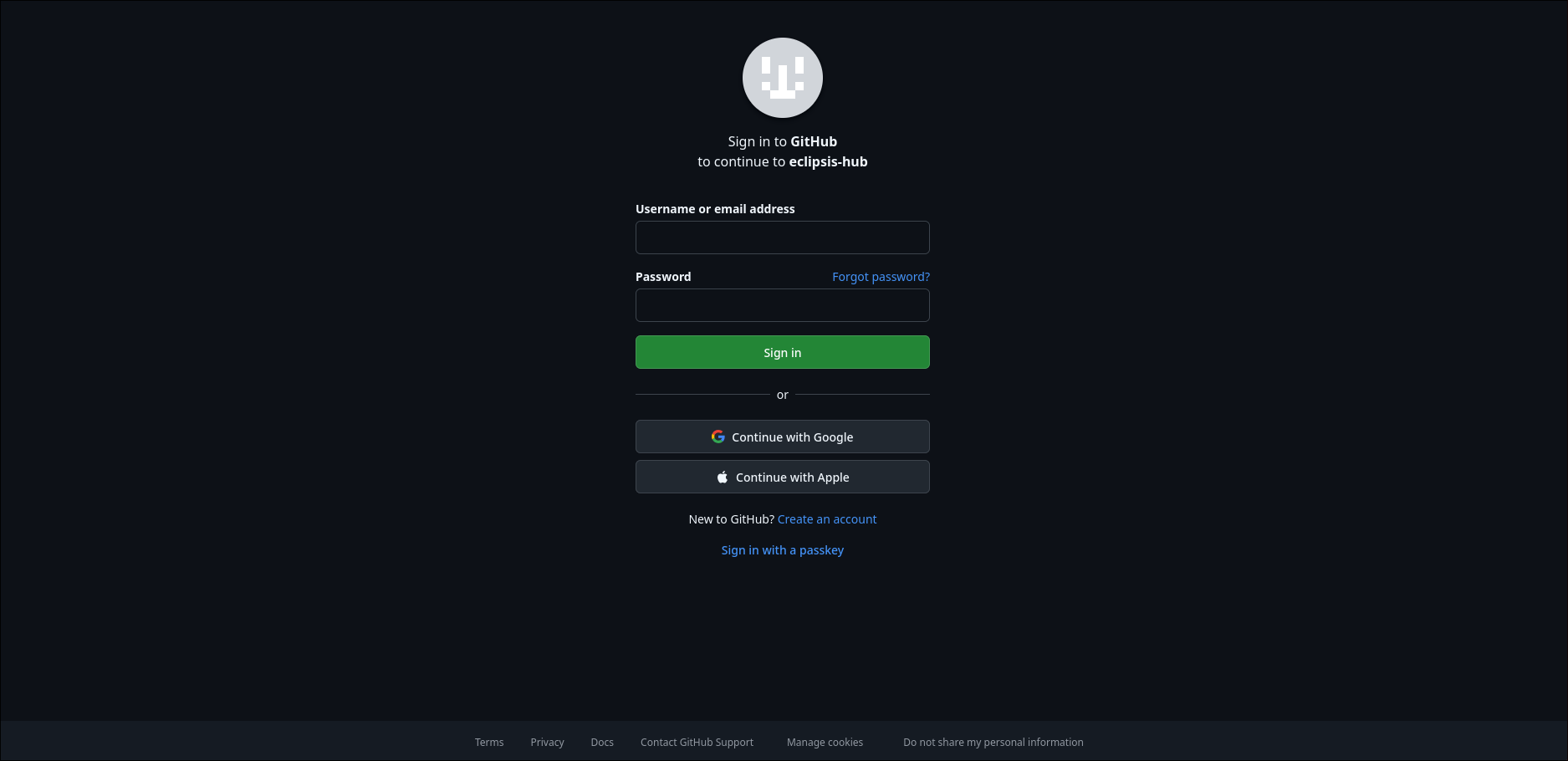
You will need to login/create an account with Github. then it should redirect you back to the site, where you can press the same command as before to open up studio and bam! you'll see directories for guides and everything! you can also double-click any page to open it up within studio and start editing.
There is obviously buttons to create files and folders, as-well as any media you need
When you are finished with your edits or whatever you did! you would press -> Review -> Publish with an appropiate name
The naming convention is really simple, if you are adding a new file(s), it would be feat(<category>): title/short description. If you are updating / fixing a new file/media the name would be fix(<catagory>): title/short description
eg: feat(portafab): Add spire battery to portafab, fix(portafab): update well pump to match with game changes, feat(guides): created how to skybase guide
When you press publish, your changes are pushed into the github's "studio branch", where once reviewed by moderators, a pull request will be made where I, the owner will then merge it into the "main" branch. once its merged its automatically deployed into the website within minutes!
Do you need to know anything about github? nope! you just have to make an account and start editing! Pretty easy right!